Sell Your Accounting Clients a Fix for the Document Chase
Set it up for a firm in a day. Bill for the implementation.
The trial is 14 days free, no credit card required
Every accounting firm you talk to spends January chasing W-2s, 1099s and bank statements by email. FolioReady is the finished product you set up for them. Their clients get a link and a checklist, reminders follow up on what's missing, AI reads what arrives, and the files land in the firm's own Drive and CRM.
What You Set Up for a Firm
Four steps from your first call to a firm that has stopped chasing.
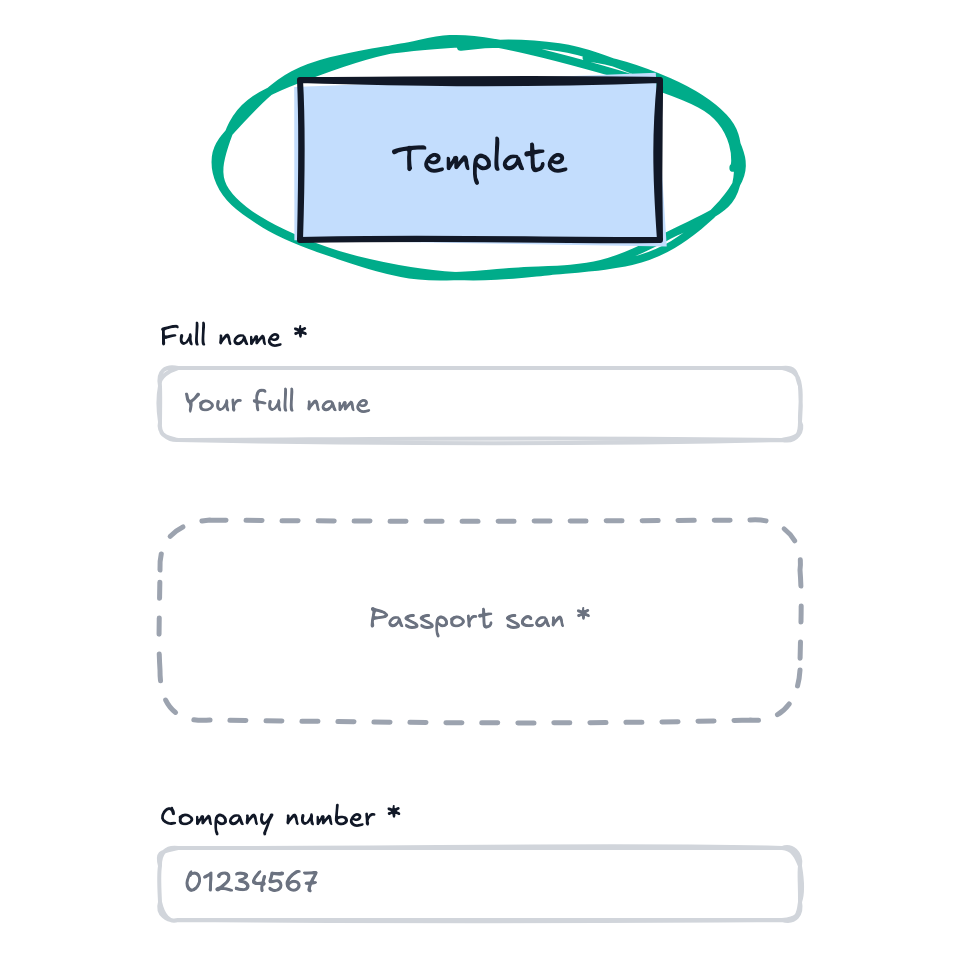
1. Design the Firm's Requests
Start from the tax organizer, bookkeeping and onboarding templates and fit them to how the firm works.
Add sections, mark what's required, and write the instructions the firm's clients will read.
2. Connect It to Their Clients
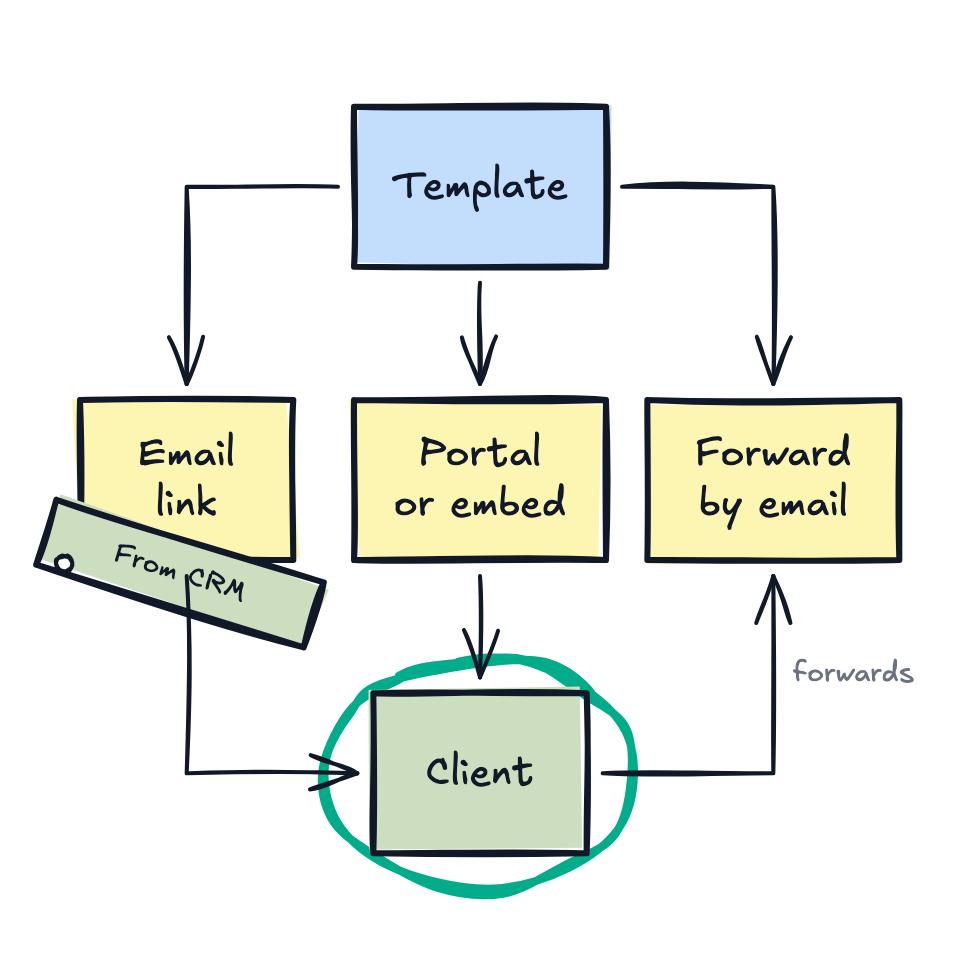
The firm sends a link by email, embeds the form on its website, or sends from its CRM. Clients can also forward documents straight to the template's own email address.
Each client sees exactly what's needed and uploads at their own pace.
3. Let It Collect
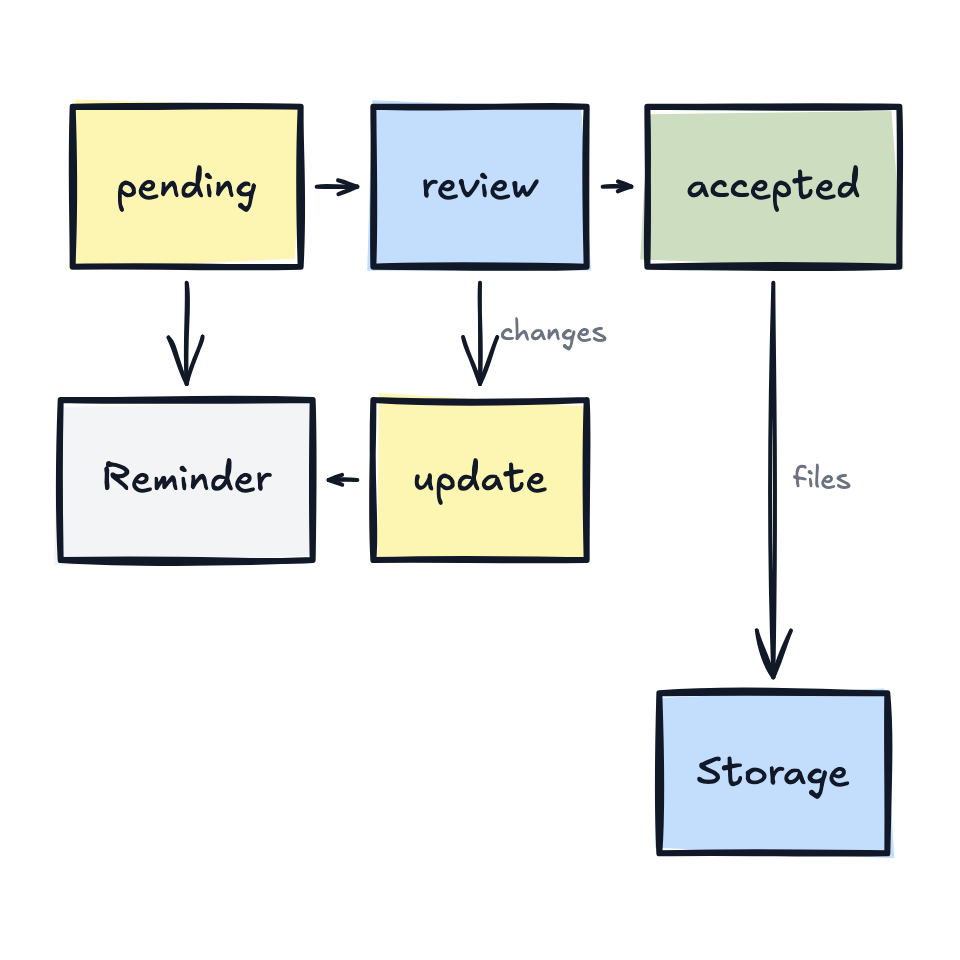
Submissions arrive in real time, and reminders follow up on anything missing.
Files sync to the firm's Google Drive, Dropbox or CRM, so the team always knows what's in and what's outstanding.
4. AI Reads What Arrives
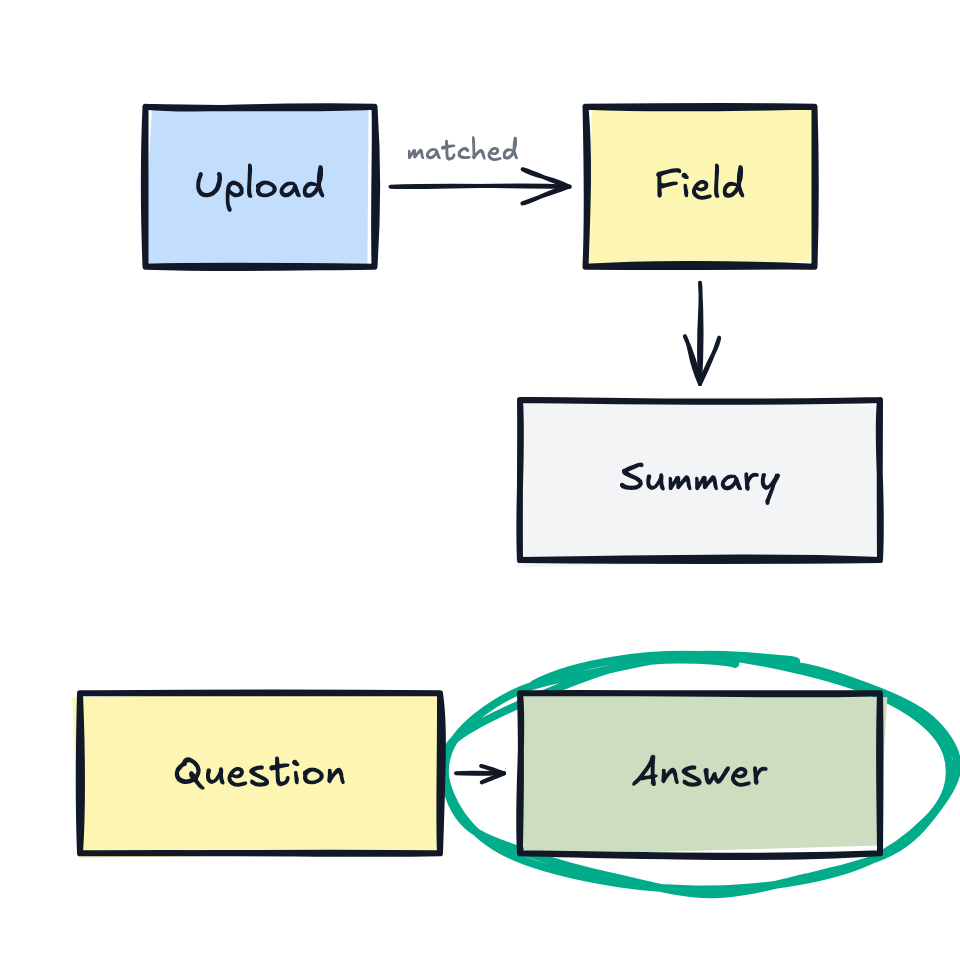
Uploaded files are classified and matched to the right request, and each one gets a short summary, so the team can triage a stack without opening it.
They can ask questions of a whole folio in plain language and accept suggested values for its fields. It runs on the firm's own Anthropic or OpenAI key if they have one.
Built for the Firms You Serve
Accounting and bookkeeping firms ask their clients for the same documents every year. These are the setups you'll deliver most.
Built per Client, or Set Up in a Day
| Built per client | With FolioReady | |
|---|---|---|
| Client checklist | A form tool and a shared sheet you keep in sync | A live portal showing each client what's done and what's missing |
| Follow-ups | A Make or n8n scenario per firm, on a schedule you maintain | Reminders built in, set once per template |
| Document review | LLM prompts you write, test and pay for per firm | Classification, summaries and extraction on arrival, on the firm's own AI key if they want |
| File organization | Folder rules and renaming steps for each storage account | Filed to Drive, Dropbox or OneDrive by client |
| CRM updates | Field mappings you repair when the CRM changes | Syncs to Pipedrive, Attio, HubSpot and Intercom |
| AI assistants | An agent you connect to the documents yourself | Connects to ChatGPT, Claude, Cursor and Claude Code |
| Upkeep | Yours, for every firm, for as long as it runs | Ours |
What the Firm Gets
All of it ships ready. Your time goes into fitting it to the firm.
Works From Their AI Assistant
The firm's staff send requests, check a folio's status and read submitted data from ChatGPT or Claude. You can drive it from Claude Code or Cursor with an API key.
Runs on the Firm's Own AI Account
Add their Anthropic or OpenAI key, choose a model for each action, and show them what the AI cost in dollars and tokens.
Clients Know Exactly What to Send
Each client sees a checklist of what the firm needs, what they've sent and what's still missing.
Reminders You Set Once
Reminders go out on the schedule you choose and stop once the client has submitted. The firm stops writing follow-up emails.
Documents Read on Arrival
Uploads are classified by type and each gets a one-paragraph summary, so the team opens only the files that need attention.
Ask a Folio Anything
Folio Insights answers plain-language questions from a client's documents and proposes field updates the team can accept.
Files Land in the Firm's Storage
Submissions sync to the firm's Google Drive or Dropbox, organized by client.
Collect by Email
Clients who'd rather email can forward documents to a dedicated address. FolioReady creates the folio, stores the files and lets the team know.


What Your Client Pays
Plans start at $19 a month, paid by the firm directly. You bill for the implementation.
Support From the People Who Build It
Every request, from you or the firm's staff, is answered by an engineer or a founder who can fix what's wrong.
Frequently Asked Questions
Become a design partner
We work with a small group of consultants who set FolioReady up for accounting and bookkeeping firms. Tell us about a firm you'd build this for and we'll get you started.
-
A free account
Build and test templates for your clients at no cost to you.
-
A demo account to show
Walk a firm through a finished setup in your discovery call.
-
A direct line to a founder
Questions about a client's setup go straight to the people who build FolioReady.
-
A referral share
Agreed with you directly when your first client signs up.