If your CRM is connected before you accept the folio, Olivia's details sync straight onto her record — nothing to re-type after the review. On Attio? Connecting takes one authorization.
Connecting...
Onboard a New Client Without the Back-and-Forth
New-client onboarding is the same scavenger hunt every time: an email asking for details, a reply missing half of them, a follow-up for the ID, a third thread for the financials. The Client Onboarding template turns all of it into one link — here's what that looks like for one real client.
Meet Olivia Park
Olivia runs Park Family Office in San Francisco, and she's just said yes to working with you. Before the kickoff call you need her details verified and three documents on file: photo ID, business registration, a recent financial statement. Olivia is busy — she'll give you five minutes between meetings, and not one more.
One link instead of an email thread
- You
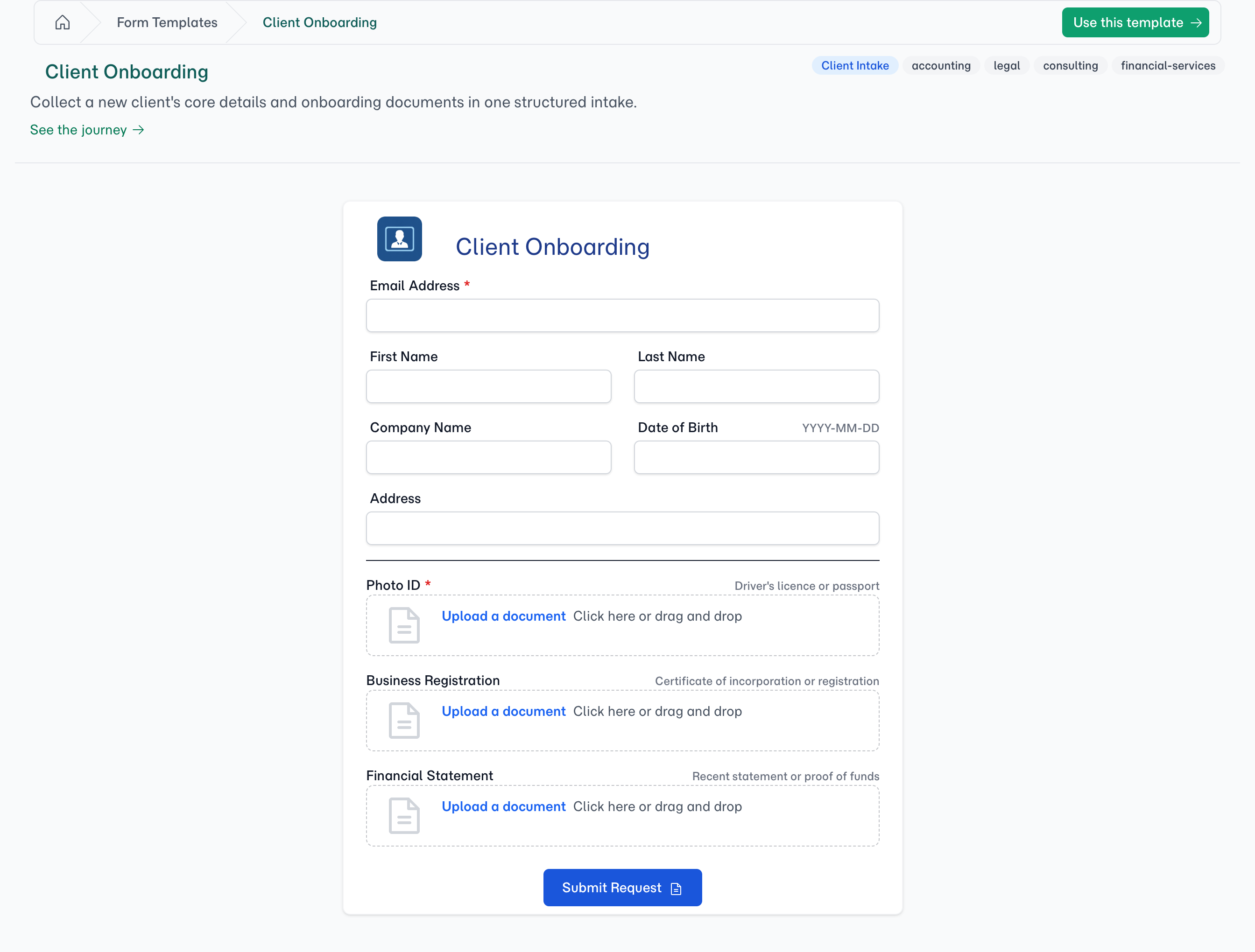
You create Olivia's folio from the Client Onboarding template and send her the portal link — details and documents, one visit.
Connect your CRM first - Your client
Olivia opens the link between meetings. Contact details, company name, and her three documents into their labelled slots — then she hits submit. Date of birth and address? Skipped. Five minutes were five minutes.
- FolioReady
FolioReady flags the submission for your review the moment she submits.
What about the fields Olivia skipped?
- AI
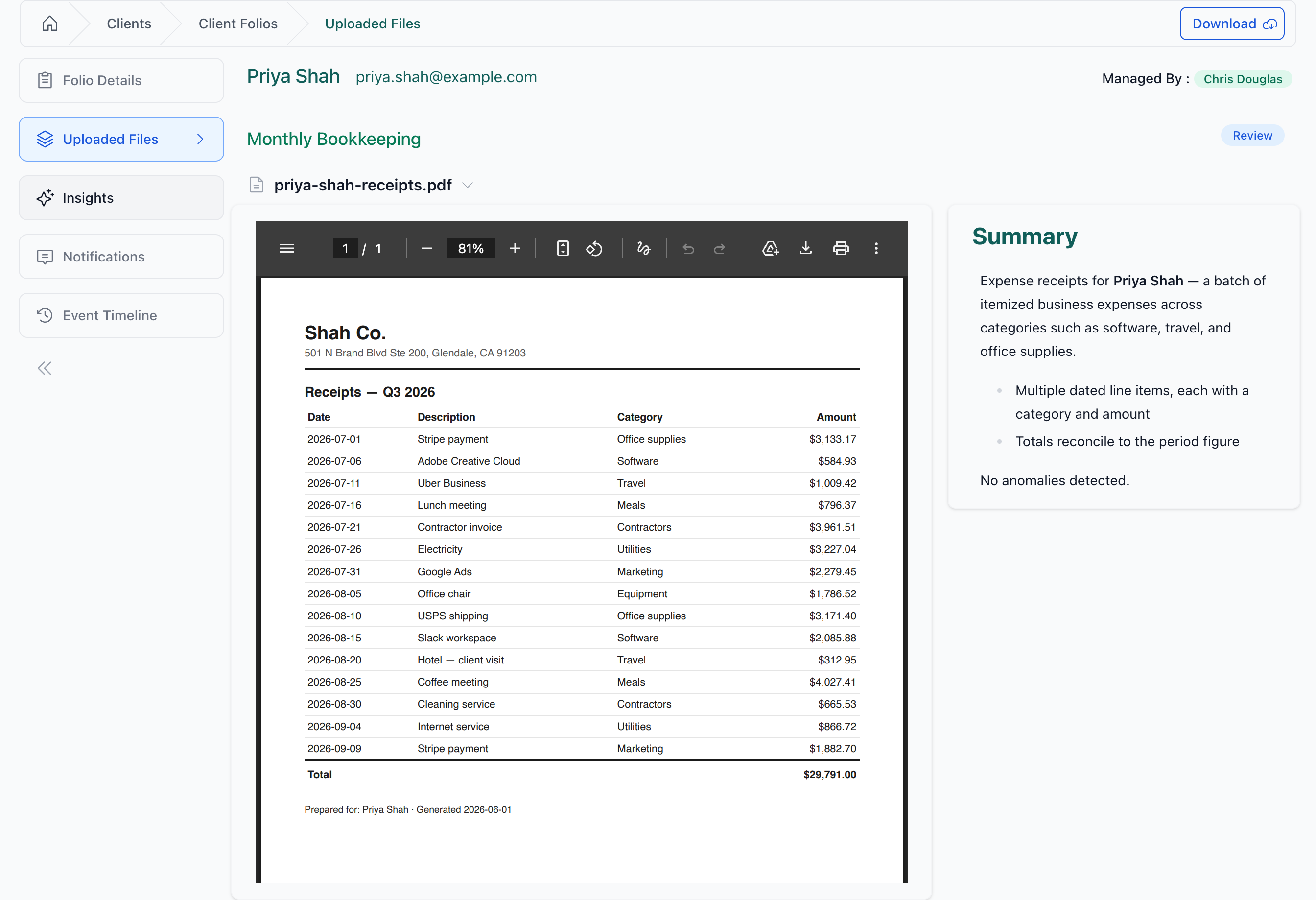
AI reads her uploads as they land — each document gets a synopsis, so you know the registration is really a registration without opening it.
- AI
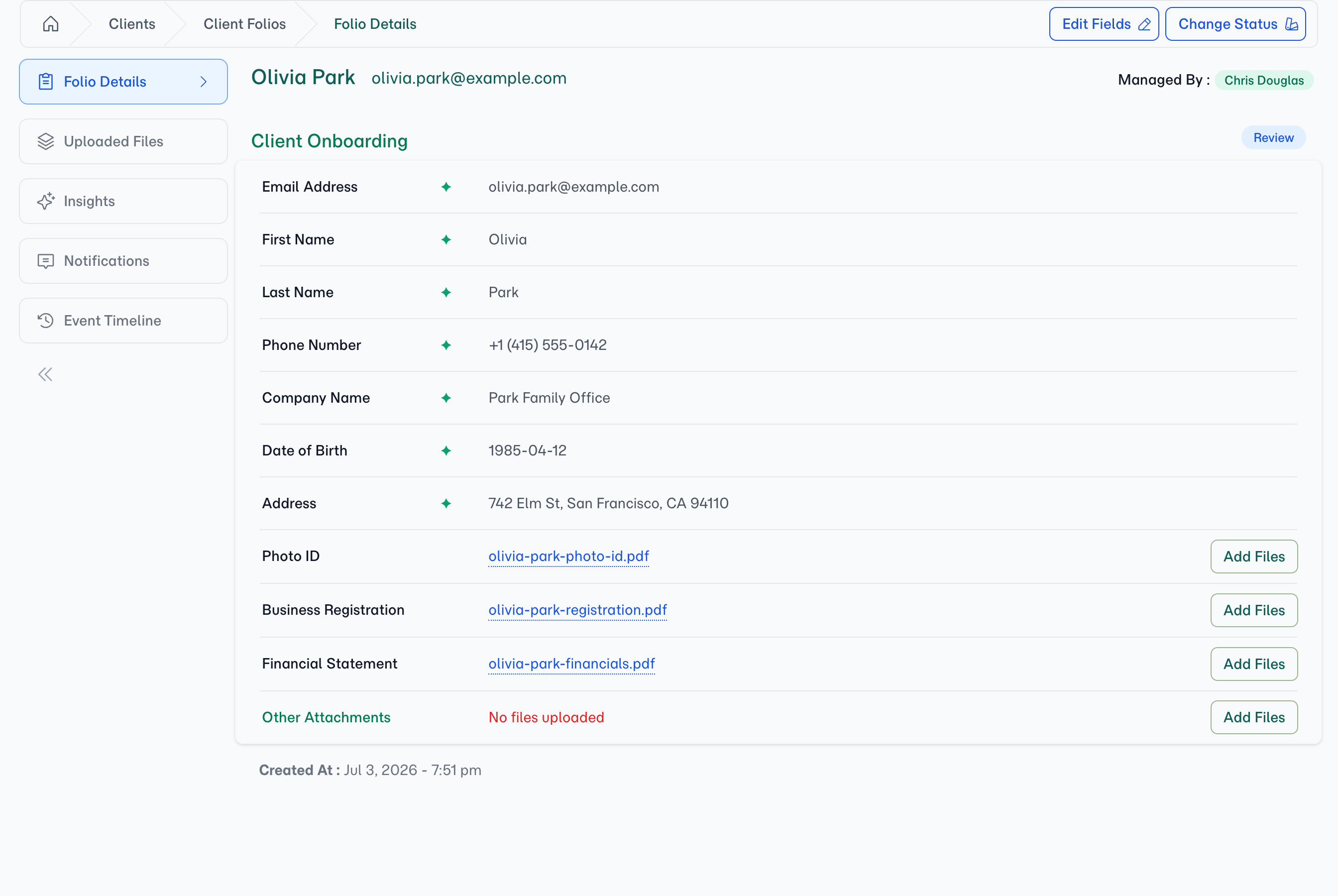
And the fields Olivia skipped? Her photo ID knows them. AI extracts the date of birth and address straight from the document — filled in and marked ✦, with the source right there.
Ready before the kickoff call
- You
You review the folio — every detail verified against a document, every slot filled — sync her record to your CRM, and accept.
- The result
A complete, verified client file before the first call — no email chains, no missing documents, no re-typing.
What You're Left With
One folio holding everything the engagement starts from: Olivia's details as structured fields — including the ones AI filled from her documents — every onboarding file at its slot with a synopsis, and the same data already on her CRM record if you connected one.
Start onboarding this way
Import the template and send your first onboarding link in minutes. Use this template