Connecting...
ai
crm
1:45
A Quote Form Designed in a Conversation
Rick, an insurance agent, designs his quote form in a conversation with Claude, then has it built as a FolioReady template mapped to Pipedrive and embedded on his website.
ai
crm
1:14
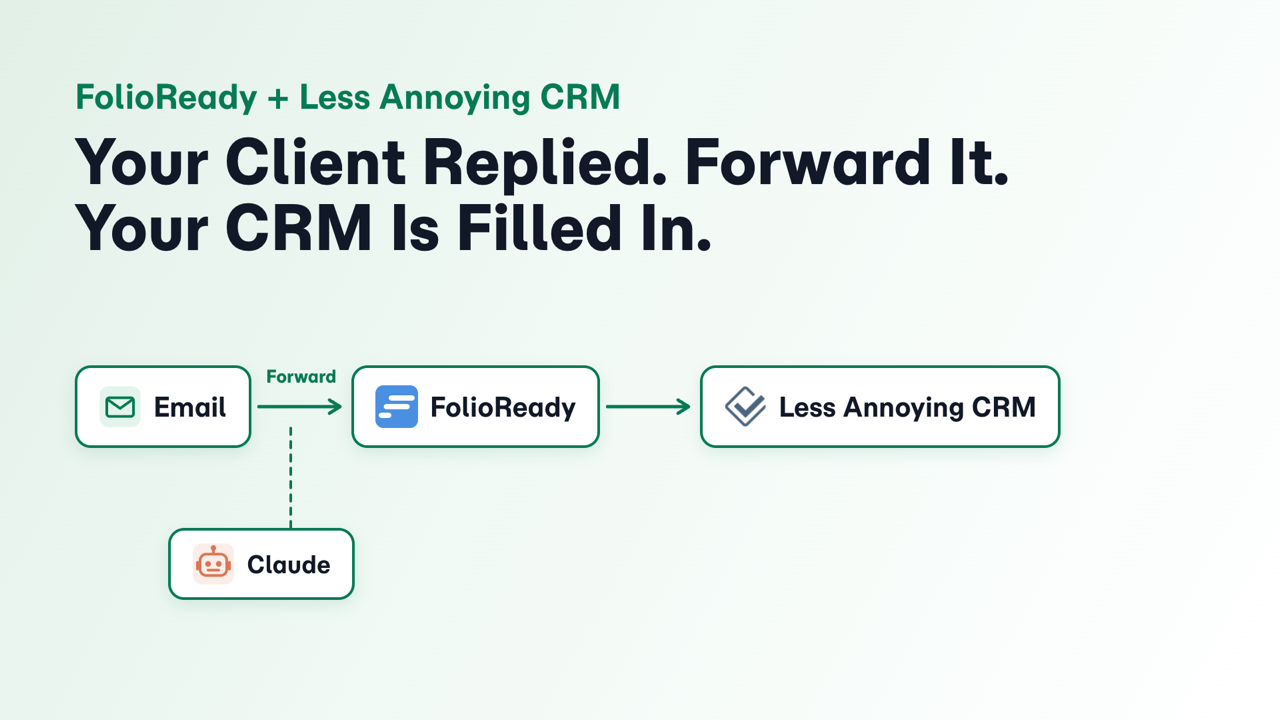
Your Client Replied. Forward It. Your CRM Is Filled In.
Your client answers in a plain email reply. Forward it to FolioReady, and the AI reads her answers and fills her Less Annoying CRM contact.
ai
crm
2:23
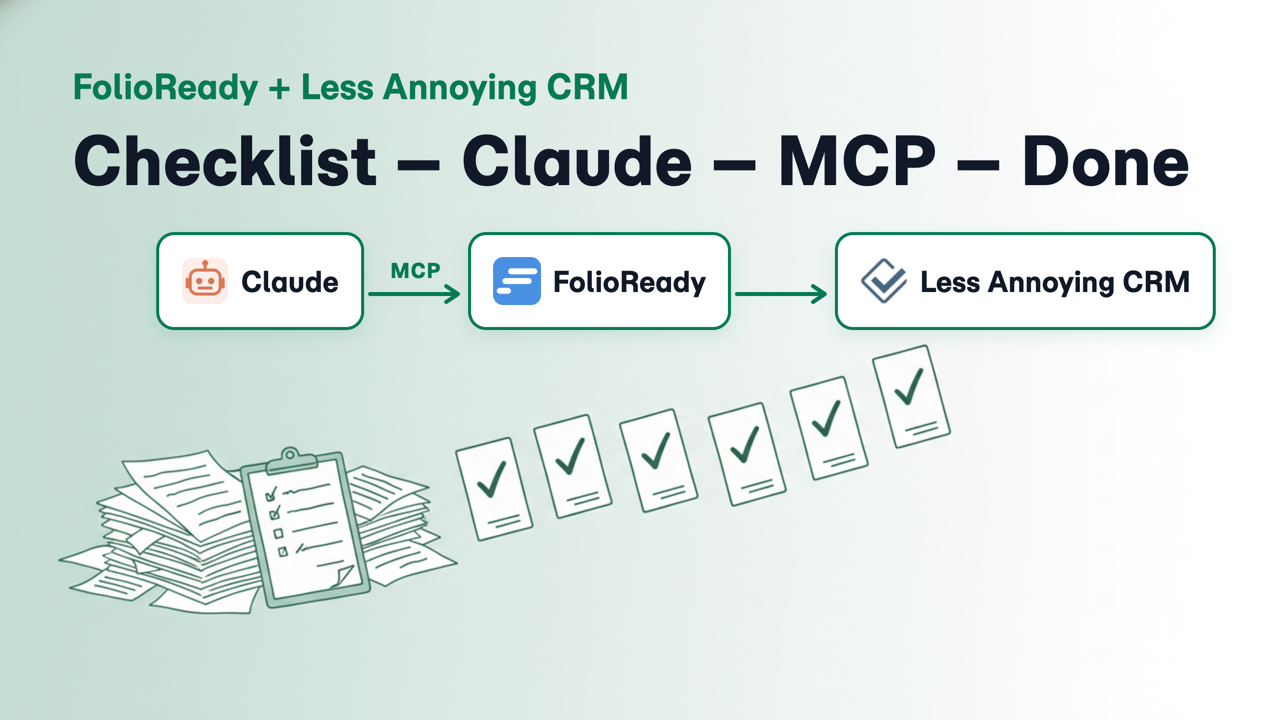
Checklist – Claude – MCP – Done
Paste your new-client checklist into Claude, and FolioReady's MCP connector turns it into a request mapped to your Less Annoying CRM contact, asking before it changes anything.
ai
0:38
Bring your own Datalab key for Document AI
A 40-second walkthrough of adding your own Datalab API key, so every document FolioReady reads for your company runs on your Datalab account.
crm
ai
2:14
Fill Pipedrive from client documents
Map a template's fields to Pipedrive once, send a request from FolioReady or from the panel inside Pipedrive, and AI fills the person or deal from the documents your client uploads.
crm
ai
2:09
Documents in, Attio records out
Connect Attio, map a template's fields to attributes once, and every completed folio writes its values, notes and files onto the matching Attio record.
crm
ai
1:44
Request documents without leaving Attio
Add the FolioReady widget to an Attio person record, ask for the documents from there, and let AI fill the record when they arrive.
crm
ai
2:06
Less Annoying CRM, filled from documents
Connect Less Annoying CRM with a pasted API key, map a template's fields to contact custom fields once, and watch three uploaded documents fill sixteen fields on the contact.
google
0:47
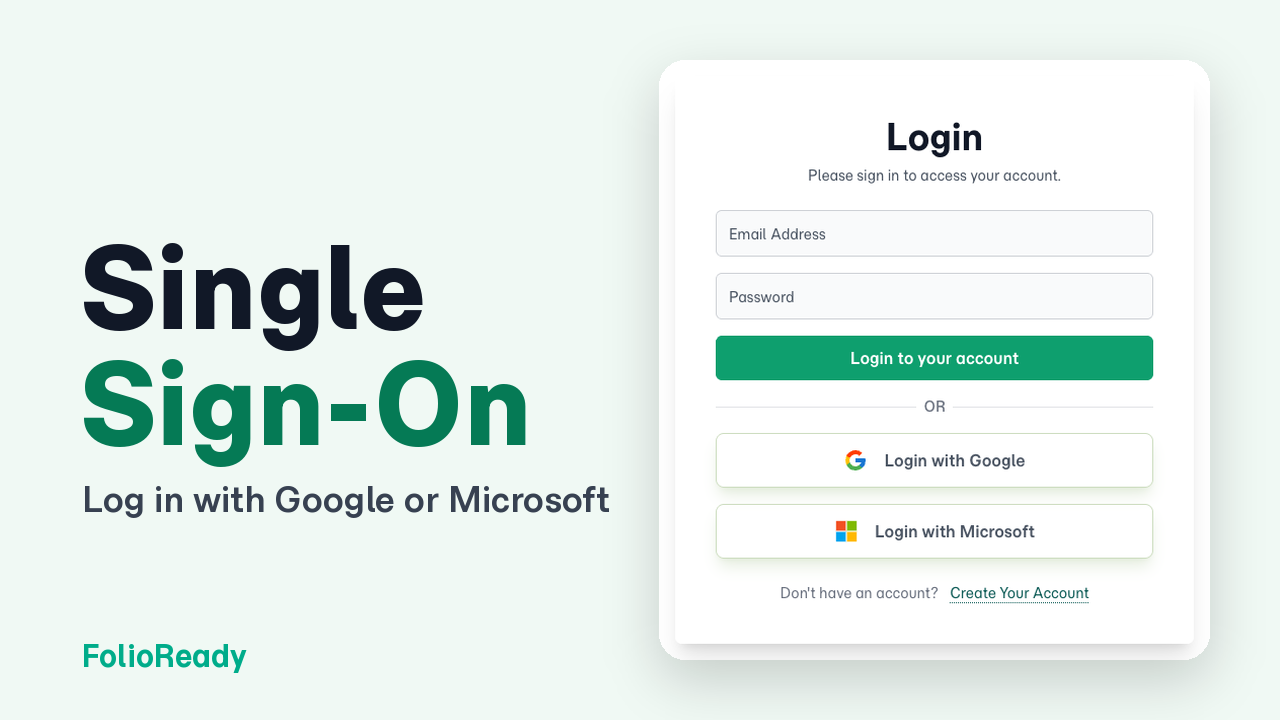
Single sign-on: log in with Google or Microsoft
A one-minute walkthrough of signing in to FolioReady with Google or Microsoft. You never share a password with us, and there's nothing extra to set up.