
We'll set you up with a free account and a demo to show. Become a design partner
Connecting...
Deliver the Implementation in a Day
Every accounting firm you talk to has the same January. Someone on staff emails each client a list, waits, follows up, and digs W-2s out of reply threads until the return can start. Fixing that is a piece of work you can scope in a discovery call and finish in a day, because FolioReady is already built. Here's that day, for one firm.
Meet Hollis & Price
Hollis & Price is a three-person tax practice. Ruth, the managing partner, told you on your first call that the team spends most of January chasing documents, and that half their clients still send photos of W-2s from their phones. They run Pipedrive and keep client files in Google Drive. Ruth wants this season to be different, and she wants a fixed price.
The discovery call
- You
Show her the finished thing
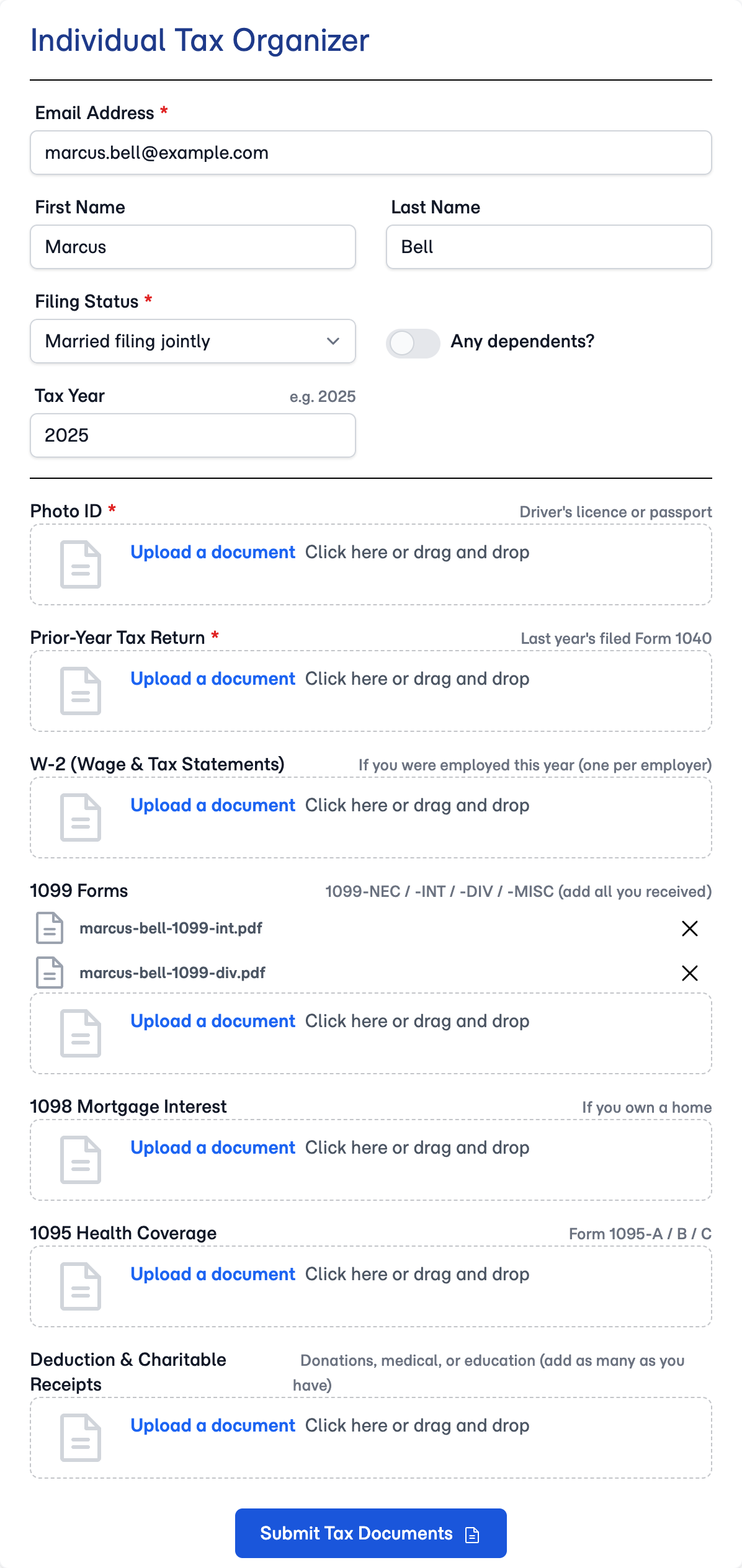
You open your demo account and walk Ruth through a tax organizer as her client would see it. She watches a W-2 land in its slot and get read. The question she asks next is what it would take to set this up for her firm.
- You
Scope it
You write it down while you're still on the call: the tax organizer and new-client onboarding templates fitted to her firm, reminders on her schedule, Pipedrive and Google Drive connected, and her team trained to run it. It's a day of your time, at a price you set.
The setup day
- You
Ruth signs up and adds you
Ruth starts the firm's account and invites you as a team member, so the account and the billing are the firm's from day one.
- You
Fit the templates
You import the Individual Tax Organizer and Client Onboarding templates, rename the sections the way the firm talks, and mark which documents are required. Then you set the reminders to go out every five days until a client has submitted.
- You
Connect Pipedrive and Google Drive
Two authorizations. Clients now import from Pipedrive, and every completed folio's files land in the firm's Drive, organized by client.
- You
Put AI on the firm's own account
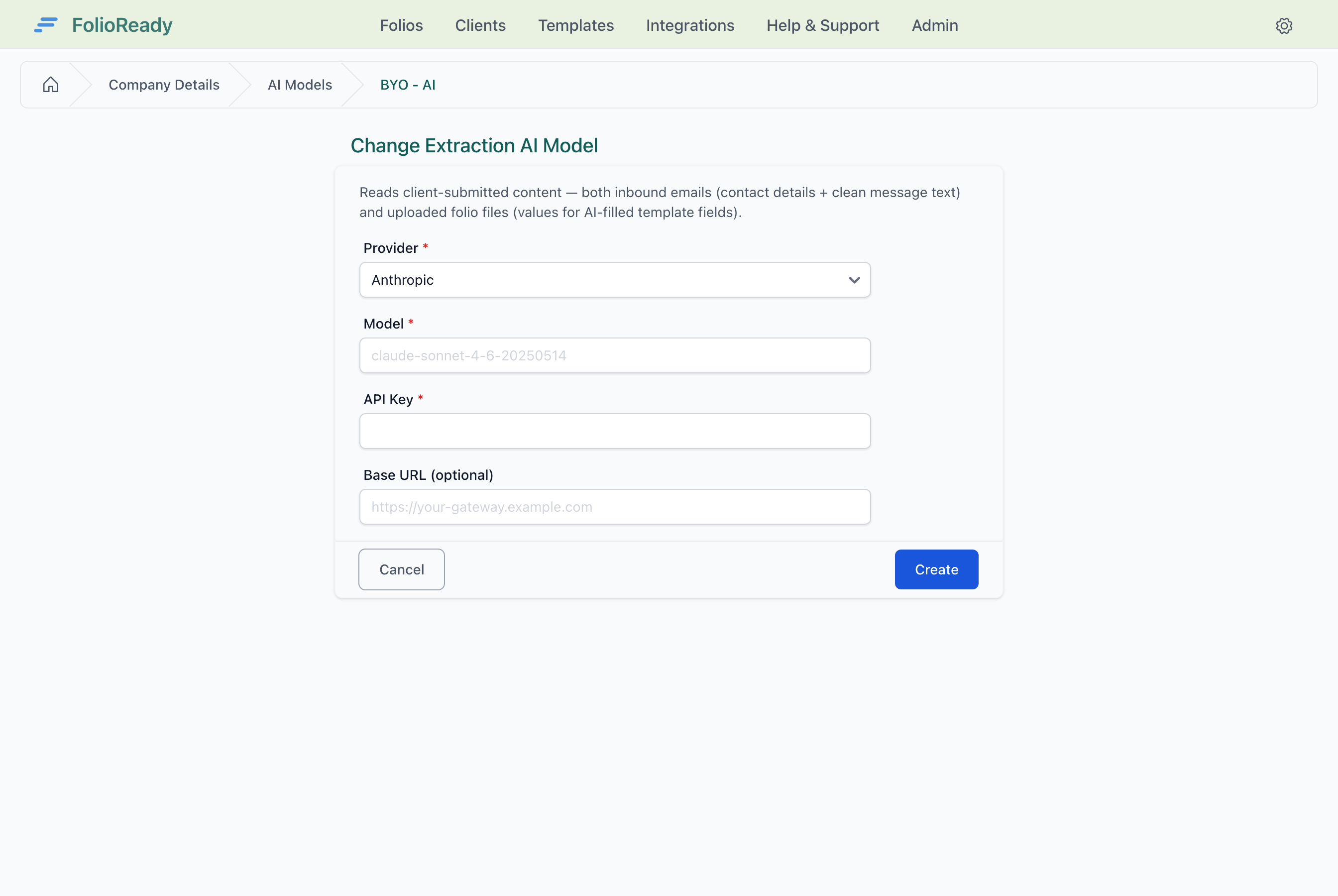
Hollis & Price already pays for Anthropic. You add their key, so every document FolioReady reads runs through their account, and you show Ruth where the usage appears in dollars and tokens.
- Your client
Test it on a real client
Ruth sends the organizer to one client who has agreed to go first. The client opens the link on their phone, photographs a W-2, and submits.
- AI
The W-2 is read as it arrives: matched to its slot, summarized, and its wages and employer filled into the folio for the team to check.
The handover
- You
Connect the team's assistant
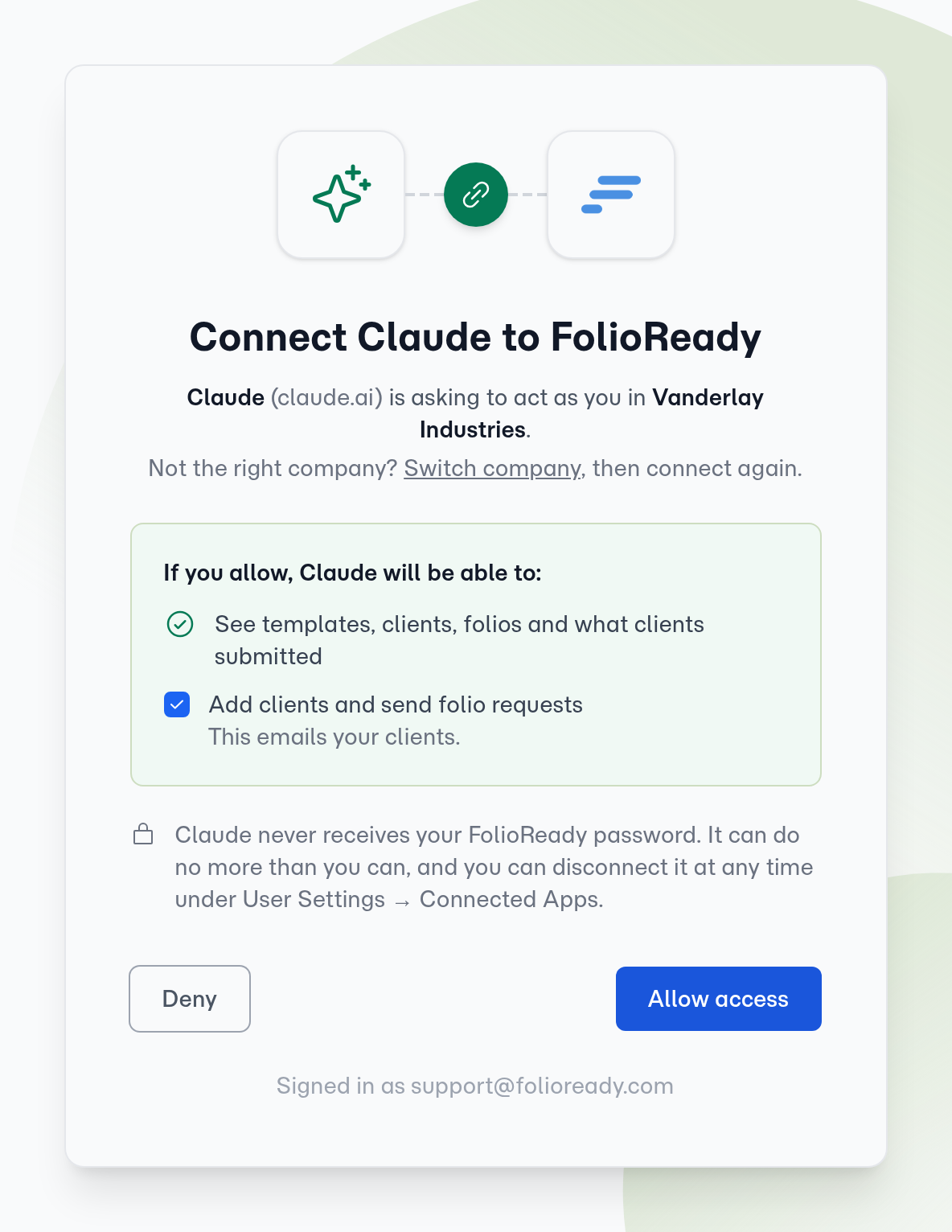
Ruth's team already uses ChatGPT. Each of them connects it to FolioReady by signing in. They can now ask which clients still owe documents, or send a new request, from the chat they already have open.
- You
Step back
You leave the firm's team when the engagement ends. Everything you set up keeps running in their account: the templates, the reminders, the integrations and their AI key.
- The result
Hollis & Price goes into January with one link per client and reminders doing the follow-ups. You've delivered a fixed-price project in a day, and you have a setup you can deliver to the next firm.
The firm's side of this, in detail, is in Marcus Bell's tax season and Olivia Park's onboarding.
Deliver this for your first firm