Bring Your Own Datalab Key for Document AI
Every document a client uploads is read by Document AI before anything else happens. It turns the file into text and structured data, and extraction and synopsis work from that. Until now that read always ran on FolioReady's Datalab account, even for firms that had moved every other AI action onto their own keys. You can now add your own Datalab API key, and every document FolioReady reads for your company runs on your Datalab account.
What's New
A Document AI card on the AI Models page
Company Details → AI Models now shows five cards: Extraction, Synopsis, Insights, Builder and Document AI. The Document AI card works like the others. Add a key and the card shows the BYO badge and the last few characters of the key.
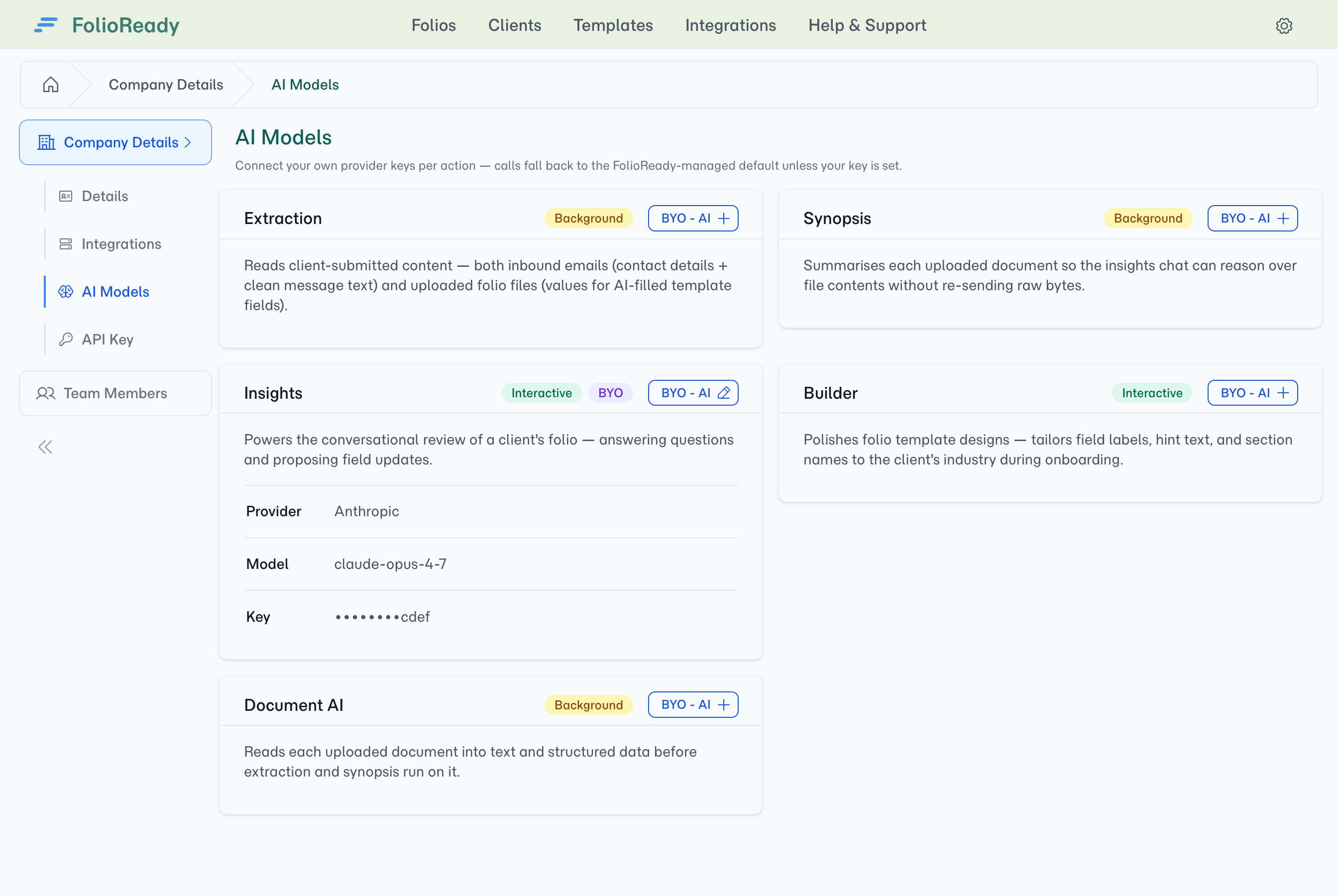
One key covers the whole read
The form asks for your Datalab API key and nothing else. Datalab is the only Document AI provider, so there is no provider or model to pick, and the same key covers turning the document into text and pulling out its structured data.
Priced like your other keys
A Datalab key follows the same rules as an AI key:
- It is available on the Power plan and above.
- It earns the same plan discount. A Datalab key on its own is enough, and adding it alongside AI keys earns the same discount, not a second one.
- Pages read on your key still count toward your FolioReady usage, the same way calls on your own AI keys do.
- To move below the Power plan, remove your keys first, the Datalab key included.
How to Use It
- Open Company Details and pick the AI Models tab.
- On the Document AI card, click BYO - AI.
- Paste in your Datalab API key and save.
- Upload a document to any folio. It is read on your Datalab account from then on.
To go back to FolioReady's account, remove the key from the same card. Your folios and data don't change.
Related
- Bring Your Own AI Keys: Every AI Models card, what each action does, and how to route it to your own provider
- Document AI Reader: How every uploaded file is read before AI extraction runs